Get upto 30% OFF on your paid subscription.
Extends Features of Google Forms with Advanced Assessment
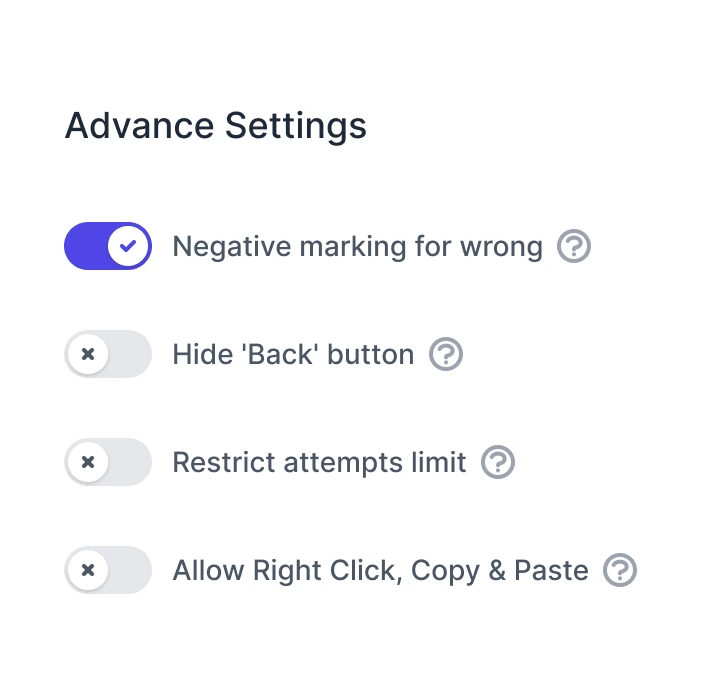
Boost your Google Forms with automate scoring with negative marking, response limits, and advance sharing controls. Ideal for quizzes, training assessments, competitive examinations, and more.
Top Advanced Assessment Features
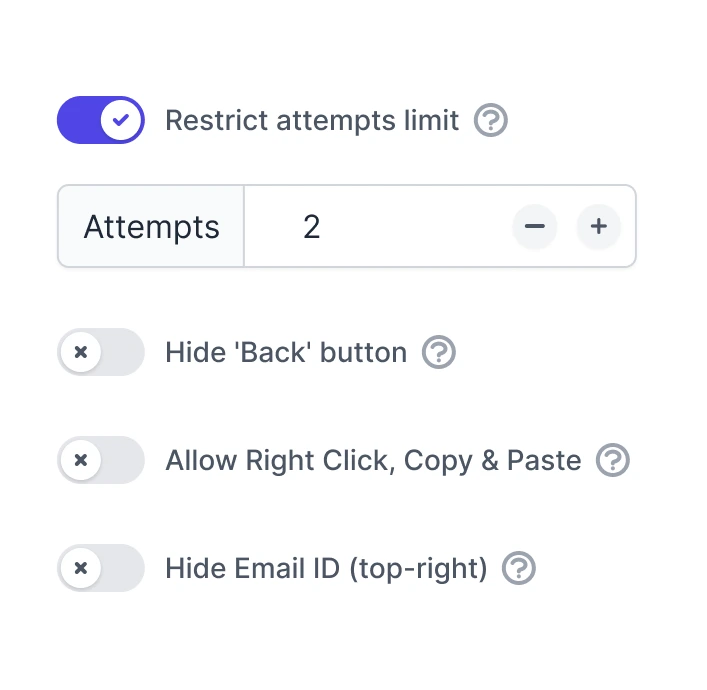
Response Limiter
Set a limit on the number of responses for each form and display a custom message.
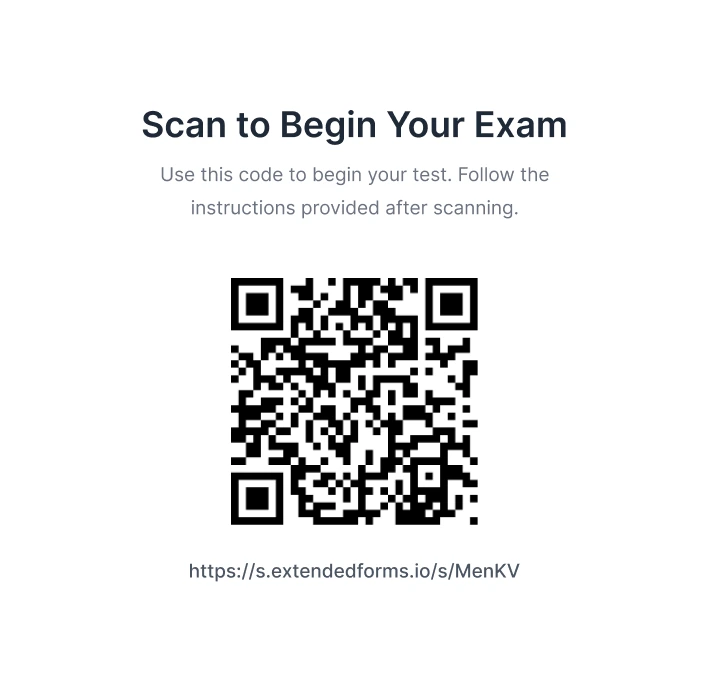
QR Code Sharing
Quickly generate and share QR codes to provide seamless access to forms or tests. Simply scan to get started.
Score Resubmission
Resubmit scores or access partial responses effortlessly for thorough evaluations and detailed reviews.
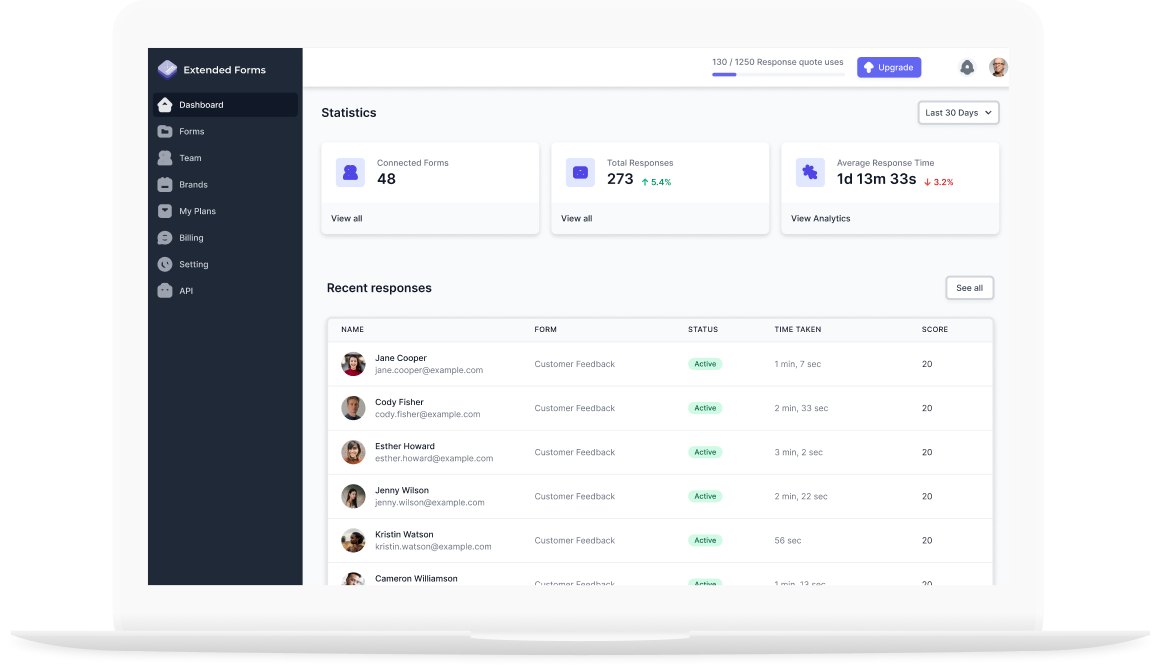
Intuitive Dashboard
Monitor how users interact with your forms, from submissions to response times.
API Integration and Webhook
Use APIs to automate invites, retrieve data, and webhook for submission triggers.
Get Started
Timer + Proctor for Google Forms™ - Extended Forms is a Google Forms™ add-on that adds countdown timers, online proctoring, and Google Classroom™ score sync to any Google Form™. Install today to make your assessments more effective and easier to manage.
How to Configure Assessment Controls
Supercharge your
Google Forms
Easily Integrate Countdown Timers, Advanced
Proctoring and more with your forms
Trusted by 10079428
customers